Callbacks in JavaScript: Why They Exist
Before promises, before async/await - there were callbacks. Understanding them deeply is what makes everything else click.
Functions Are Just Values
Before we even get to callbacks, there's one thing you need to internalise about JavaScript: functions are values.
That's it. That's the foundation of everything in this article.
In most languages, a function is a special construct - you define it, you call it, that's it. But in JavaScript, a function is just a value like a number or a string. You can store it in a variable, put it in an array, pass it to another function, or return it from a function.
const greet = function() {
  console.log("Hello!");
};

greet(); // "Hello!"
This is not just a fun quirk. It's what makes callbacks possible - and what makes JavaScript's async model work the way it does.
What Is a Callback Function?
A callback is simply a function you pass to another function, so that the other function can call it later.
That's the whole definition. Nothing more complicated than that.
function doSomething(callback) {
  console.log("Doing something...");
  callback();
}

function finished() {
  console.log("Done!");
}

doSomething(finished);
// "Doing something..."
// "Done!"
Notice you're passing finished - not finished(). You're passing the function itself, not the result of calling it. The doSomething function decides when to call it.
That "deciding when to call it" part is what makes callbacks useful.
Passing Functions as Arguments
Let's look at a few more examples before we get into async territory, because callbacks aren't only for async code.
Callbacks in array methods
You use callbacks all the time without thinking about it.
const numbers = [1, 2, 3, 4, 5];

const doubled = numbers.map(function(n) {
  return n * 2;
});

console.log(doubled); // [2, 4, 6, 8, 10]
The function you pass to .map() is a callback. You're telling .map(): "Here's what I want you to do with each element." .map() handles the looping - you just hand it the logic.
const evens = numbers.filter(n => n % 2 === 0);
// [2, 4]

numbers.forEach(n => console.log(n));
// 1, 2, 3, 4, 5
A custom example
function repeat(n, action) {
  for (let i = 0; i < n; i++) {
    action(i);
  }
}

repeat(3, function(i) {
  console.log("Step " + i);
});
// "Step 0"
// "Step 1"
// "Step 2"
This pattern - a function that takes another function and decides when to call it - is everywhere in JavaScript.
Why Callbacks Exist in Async Programming
Here's where callbacks really shine. JavaScript is single-threaded. That means it can only do one thing at a time. There's no parallel execution, no background threads.
So what happens when you need to do something that takes time - like fetching data from a server, reading a file, or waiting for a user to click something?
You can't just pause everything and wait. That would freeze the entire page. Instead, JavaScript says: "I'll start this task, move on to other things, and call you back when it's done."
setTimeout - the simplest async example
console.log("Start");

setTimeout(function() {
  console.log("This runs after 2 seconds");
}, 2000);

console.log("End");
What do you think the output is?
Start
End
This runs after 2 seconds
JavaScript doesn't pause at setTimeout. It registers the callback, starts a timer in the background, and moves on. When 2 seconds pass, it comes back and runs your callback. This is the event loop in action.
Callback Usage in Common Scenarios
Event listeners
Every time you attach a click handler, you're using a callback:
document.querySelector("button").addEventListener("click", function() {
  console.log("Button clicked!");
});
You're telling the browser: "when this button is clicked, call this function." You don't know when the click will happen - that's up to the user. The callback is the instruction you leave behind.
Fetching data - the old way
Before fetch() and promises, the standard was XMLHttpRequest. The (error, data)pattern it used - called error-first callbacks - was the convention in Node.js for years.\
function getData(url, callback) {
  const xhr = new XMLHttpRequest();
  xhr.open("GET", url);
  xhr.onload = function() {
    if (xhr.status === 200) {
      callback(null, xhr.responseText);
    } else {
      callback("Error: " + xhr.status, null);
    }
  };
  xhr.send();
}

getData("https://api.example.com/user", function(error, data) {
  if (error) {
    console.log("Something went wrong:", error);
    return;
  }
  console.log("Got data:", data);
});
Reading files in Node.js
const fs = require("fs");

fs.readFile("notes.txt", "utf8", function(error, content) {
  if (error) {
    console.log("Couldn't read file:", error);
    return;
  }
  console.log(content);
});

console.log("This runs before the file is read");
readfile starts the operation, moves on, and calls your callback when the file is ready.
The Basic Problem: Callback Nesting
Callbacks work well for one or two async operations. But things get messy fast when you need to chain multiple async tasks - where the result of one feeds into the next.
Imagine you need to: get a user's ID, use that ID to fetch their profile, then use the profile to fetch their posts. With callbacks:
getUser(function(error, user) {
  if (error) return console.log(error);

  getProfile(user.id, function(error, profile) {
    if (error) return console.log(error);

    getPosts(profile.username, function(error, posts) {
      if (error) return console.log(error);

      console.log(posts);
    });
  });
});
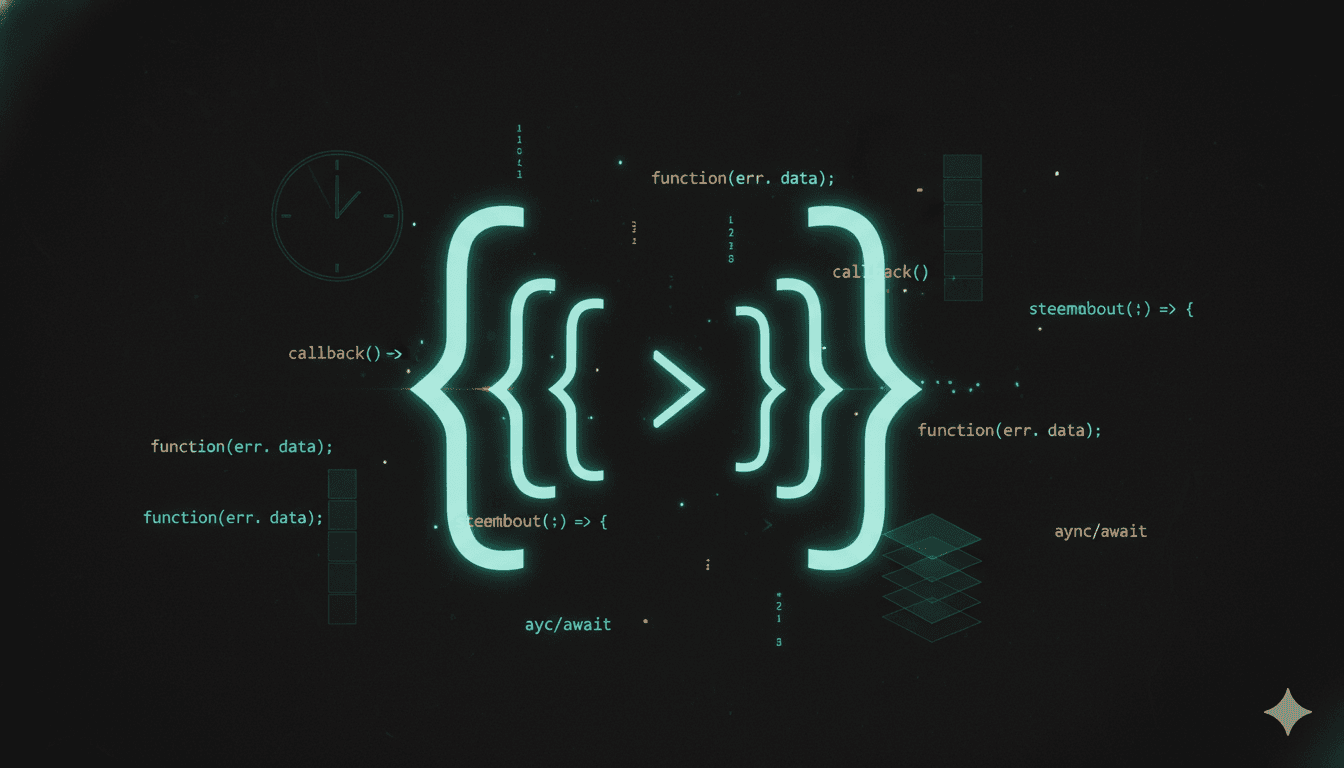
Each callback is nested inside the previous one. The code keeps drifting to the right. This is what people call callback hell - or the pyramid of doom, because of the shape it creates.
step1(function(err, result1) {
  step2(result1, function(err, result2) {
    step3(result2, function(err, result3) {
      step4(result3, function(err, result4) {
        step5(result4, function(err, result5) {
          // you get the idea
        });
      });
    });
  });
});
It's not just an aesthetic problem. It becomes genuinely hard to follow the logic flow, handle errors consistently, and refactor or reuse parts of the code.
Important: Callbacks are not bad. They're the building block. Once you understand them deeply, everything that comes after - Promises, async/await - will make a lot more sense, because they're all just cleaner ways of doing the same thing callbacks were doing.
The Mental Model
Here's a simple way to think about all of this:
A callback is an instruction you hand to someone else, telling them what to do once they're ready.
You're not standing there waiting. You're leaving a note. When the task is done, the note gets executed. Whether it's a button click, a file read, a network request - same idea. You say: "Do your thing, and when you're done, call this."
Conclusion
Callbacks exist because JavaScript needed a way to handle things that take time without blocking everything else. You've been using them already - every .map(), every addEventListener, every setTimeout. Now you know why it works the way it does.
Want More?
Blog: https://blogs.kanishk.codes
Twitter: https://x.com/kanishk_fr
LinkedIn: https://linkedin.com/in/kanishk-chandna
Instagram: https://instagram.com/kanishk__fr